- Published on
- · July 10, 2026
Gatekeeper and MFA: how to strengthen enterprise security
- Blog

- Henrico Piubello
- Henrico Piubello
- IT Specialist - Grupo Voitto
IT Specialist - Grupo Voitto
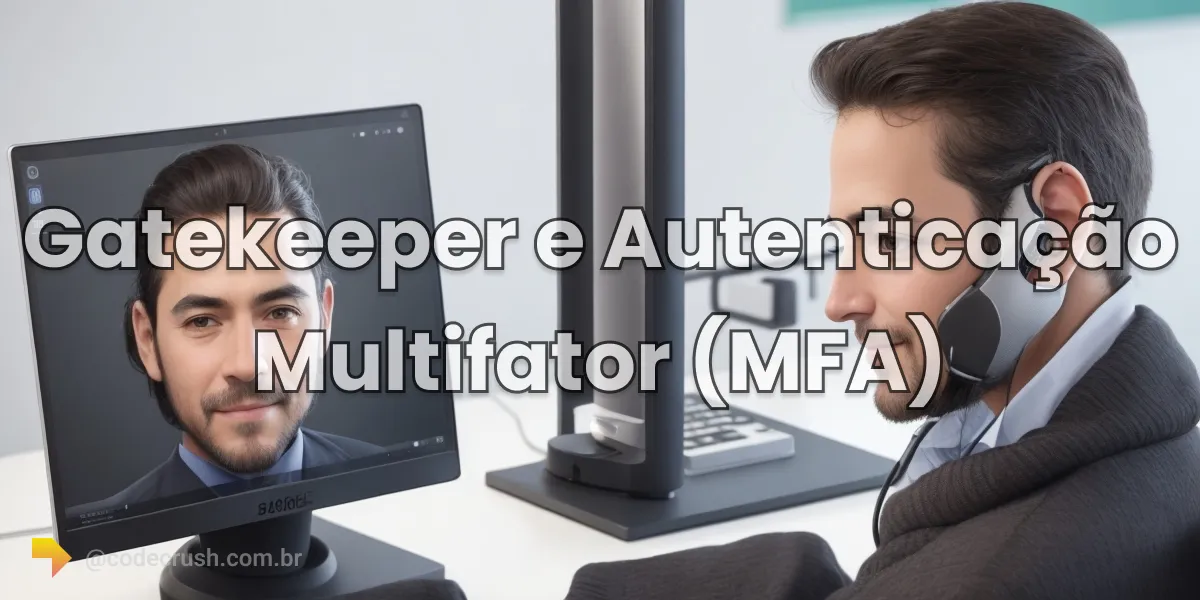
Multifactor Authentication (MFA) is a security method that requires two or more factors to confirm a user identity. Integrated with the Gatekeeper, it blocks unauthorized logins even when passwords leak and reduces the risk of account compromise by 99.22%, according to a 2023 Microsoft Research study.
- What is Multifactor Authentication (MFA)?
- How does the Gatekeeper integrate with MFA?
- What are the main MFA methods?
- Why is MFA effective against attacks?
- When to adopt MFA with the Gatekeeper in the enterprise?
- Conclusion
What is Multifactor Authentication (MFA)?
Multifactor Authentication (MFA) is an information security method that requires two or more independent proofs of identity before granting access to a system or account. The factors belong to three categories: something the user knows (password or PIN), something they have (phone, physical token), and something they are (fingerprint, face, voice).
This combination creates deliberate redundancy: if one factor is compromised, the other still blocks the attacker. Not coincidentally, NIST (the US National Institute of Standards and Technology) requires two factors from different categories for the AAL2 assurance level of the SP 800-63B guidelines — using two passwords, for example, does not count as MFA.
Common examples of factor combinations:
- Password + SMS: the user enters the password (factor 1) and types the verification code received via SMS (factor 2) on their phone.
- Password + hardware token: in addition to the password (factor 1), the user provides the one-time code generated by a physical device (factor 2).
- Biometrics + password: the user provides a fingerprint (factor 1) and types the password (factor 2) to access the account or system.
How does the Gatekeeper integrate with MFA?
The Gatekeeper works as the enterprise central access control point: every login attempt passes through it before reaching the protected system. Integrated with MFA, the Gatekeeper validates traditional credentials and then requires the additional factor — token code, biometric sample, or on-device confirmation — before granting the session.
The result is a double barrier: even if an attacker obtains username and password through phishing or a leak, they hit the second verification, which depends on something only the legitimate owner has or is. Since there are different types of Gatekeeper — from network controllers to application validators — the MFA policy can be applied consistently across all entry points, including VPNs and external access.
This approach is especially important in corporate environments, where a single compromised account can expose customer data, business secrets, and entire financial systems.
What are the main MFA methods?
The main MFA methods are authenticator apps, physical tokens, biometrics, on-device prompts, SMS codes, and security questions — each with a different level of protection and friction. The table below summarizes when each method makes sense:
| Method | Factor type | Watch out for |
|---|---|---|
| Authenticator app (TOTP) | Possession (something you have) | More secure than SMS, notes Microsoft |
| Physical hardware token | Possession | Phishing-resistant; cost per device |
| On-device prompt | Possession | Blocked 99% of bulk phishing (Google) |
| Biometrics (fingerprint, face, voice) | Inherence (something you are) | Hard to replicate; requires compatible hardware |
| SMS code | Possession | Vulnerable to SIM swapping and interception |
| Security question | Knowledge (something you know) | Weakest factor; use only as backup |
Security tokens
Security tokens are physical devices or mobile apps that generate one-time codes at regular intervals, in the TOTP (Time-based One-Time Password) standard. To authenticate, the user enters the code displayed by the token at login.
Integrated with the Gatekeeper, tokens require the user to provide the generated code in addition to traditional credentials. Even if an attacker steals the password, they will not have access to the physical device or the app that generates the codes.
Biometric authentication
Biometric authentication uses unique physical or behavioral characteristics of the individual to verify identity: fingerprint, facial recognition, retina scan, or voice signature.
By integrating the Gatekeeper with biometric authentication, users must provide a biometric sample in addition to their usual credentials. Biometric characteristics are hard to replicate or steal at scale, which raises the cost of the attack.
Additional checks
In addition to the main methods, MFA can include supporting checks, such as sending codes via email and custom security questions. These mechanisms are the most fragile on the list — security question answers can be researched or leaked — and should complement, never replace, a strong possession or inherence factor.
Why is MFA effective against attacks?
MFA is effective because it neutralizes the most exploited attack vector: stolen credentials. The Verizon DBIR 2025 report points to stolen credentials as the most common initial breach vector, present in 22% of analyzed cases — ahead of vulnerability exploitation and phishing.
The study How effective is multifactor authentication at deterring cyberattacks?, published by Microsoft Research in 2023 with Azure Active Directory data, measured a 99.22% reduction in compromise risk among accounts with active MFA — and 98.56% even when credentials had already leaked.
Google figures point in the same direction. In research published on the Google security blog in 2019, the company reports that on-device prompts "helped prevent 100% of automated bots, 99% of bulk phishing attacks and 90% of targeted attacks". SMS lagged behind, blocking 96% of bulk phishing and 76% of targeted attacks, which reinforces the preference for stronger factors.
When to adopt MFA with the Gatekeeper in the enterprise?
Adopt MFA with the Gatekeeper immediately on any system that exposes sensitive data: administrative accounts, corporate email, VPNs, financial tools, and infrastructure dashboards are the priorities. For Brazilian companies, the requirement for technical security measures under the LGPD (General Data Protection Law) makes MFA a practically mandatory control when handling personal data.
Implementation, however, is not only technical: it involves friction for the user, the cost of physical tokens, and well-defined access recovery processes — obstacles that CodeCrush details in the article on Gatekeeper implementation challenges. Start with the highest-privilege accounts, prefer authenticator apps or biometrics over SMS, and treat SMS as a contingency option, not the default.
Conclusion
A password alone is a security control of the past: with stolen credentials leading the breach vectors and MFA demonstrably blocking more than 99% of compromises, integrating Multifactor Authentication with the Gatekeeper has ceased to be a differentiator and become a minimum requirement for any company that takes data protection seriously. If your organization still relies on username and password alone, this is the control with the best cost-benefit ratio to deploy this quarter.
Recommended for this topic
Picked by the editors — only what we would use.
Liss Fashion Variedades
Adaptador USB Wireless WI-FI Nano AC600 2.4ghz E 5ghz T2u TP LINK
Liss Fashion Variedades
Roteador Tp Link Ex521 Wifi 6 Ax3000 Gigabit 4 Antenas Internet Rapida Casa Escritorio Home Office
Brandão MegaStore
Roteador Tp Link Ex521 Wifi 6 Ax3000 Wireless 4 Antenas Alta Performance 5Ghz Rede Estavel
## faq
Frequently asked questions
What is Multifactor Authentication (MFA) for?
MFA exists to confirm a user identity with two or more independent factors — something they know (password), have (token or phone), or are (biometrics). This way, even if the password leaks, the attacker cannot complete the login without the second factor, dramatically reducing the risk of account compromise.
What is the difference between MFA and 2FA?
2FA (two-factor authentication) is a subset of MFA that uses exactly two factors, such as a password and a code on the phone. MFA is the broader concept: it requires two or more factors from different categories. All 2FA is MFA, but an MFA policy can combine three factors, such as password, token, and biometrics.
Is SMS-based MFA secure enough for enterprises?
SMS is better than using a password alone, but it is the most fragile factor: it is vulnerable to SIM swapping and phishing. Google research (2019) showed that SMS blocked 96% of bulk phishing, versus 99% for on-device prompts. For enterprises, prefer authenticator apps, biometrics, or physical keys.
How does the Gatekeeper work alongside MFA?
The Gatekeeper acts as the central access control point: it intercepts every login attempt and enforces company policies. Integrated with MFA, it only grants access after validating credentials and the additional factor, such as a token or biometrics. This blocks attackers even when passwords have already been compromised.
Topics in this article
## continue lendo
Artigos relacionados



Keep browsing
Previous article

Projects, Programs and Portfolios: what is the difference?
A project is a temporary effort, a program coordinates related projects and a portfolio groups initiatives aligned with strategy. See the differences.
Read moreNext article
Gatekeeper and Remote Access: How to Protect Data?
Gatekeeper protects remote access with MFA, granular access policies and auditing, releasing corporate data only to authorized users.
Read moreAbout the author
