- Published on
- · July 10, 2026
How to get started with React: a step-by-step guide
- Blog

- Henrico Piubello
- Henrico Piubello
- IT Specialist - Grupo Voitto
IT Specialist - Grupo Voitto
React is a JavaScript library created by Facebook to build user interfaces with reusable components. To create your first app, you just need Node.js installed and to run a command in the terminal — this guide shows each step, from the environment to the build.
- What is React?
- Prerequisites for learning React
- How to create your first React app?
- Is Create React App still worth it in 2026?
- npx, npm, or Yarn: which to use to create the project?
- Create React App templates
- React project file structure
- Conclusion
What is React?
React is an open-source library for building user interfaces on the web, maintained by Meta (formerly Facebook) and used in production since 2013. Instead of manipulating the DOM (Document Object Model) manually, the developer describes the interface in declarative components, and React updates the screen efficiently through the Virtual DOM — an in-memory representation that minimizes costly browser operations.
React dominates front-end development: according to the Stack Overflow Developer Survey 2025, 44.7% of developers worked with React in the last year, the highest index among interface libraries and frameworks — in the web technologies category, only Node.js appears ahead, with 48.7%.
React components are written in JSX (JavaScript XML), a syntax that combines HTML-like markup with JavaScript logic in the same file. This component-based approach simplifies code reuse: a button, a form, or a product card is defined once and used anywhere in the application. It is this combination of productivity, performance, and a mature ecosystem that makes React the most common starting point for those entering modern web development.
Prerequisites for learning React
Learning React requires three foundations: HTML, CSS, and JavaScript. Since JSX mixes markup and logic, solid knowledge of semantic HTML and JavaScript is essential for writing components and diagnosing problems — here at CodeCrush you can find a selection of sites to practice JavaScript before taking this step.
In addition, you need:
- Node.js 14 or higher installed on the development machine (not required on the production server). Node.js provides the environment that runs the build tools.
- Basic familiarity with the terminal: navigating between folders and running commands is enough for this guide.
- A code editor, such as VS Code, with JavaScript support.
To switch between Node versions in different projects, use nvm (macOS/Linux) or nvm-windows (Windows). This flexibility avoids conflicts when an old project requires a specific version of Node.js.
How to create your first React app?
Follow these steps to have a React app running locally in a few minutes:
- Install Node.js 14 or higher and confirm the installation with
node -vin the terminal. - Run the creation command:
npx create-react-app my-appgenerates the complete project in themy-appfolder. - Enter the project directory with
cd my-app. - Start the development server with
npm start. - Open http://localhost:3000 in the browser to see the app running, with automatic reload on every change.
- Generate the production bundle with
npm run buildwhen you are ready to publish: the result is minified and optimized.
In short:
npx create-react-app my-app
cd my-app
npm start
You do not need to install or configure tools like webpack or Babel: they come pre-configured and hidden, so the focus stays on the code. If at any point you installed create-react-app globally via npm install -g create-react-app, uninstall it with npm uninstall -g create-react-app — this ensures npx always downloads the latest version of the package.
Is Create React App still worth it in 2026?
Create React App (CRA) is no longer recommended for new projects. In an official announcement on February 14, 2025, the React team stated: "Today, we're deprecating Create React App for new apps". The official recommendation became a complete framework or a modern build tool like Vite.
| Tool | Creation command | Status in 2026 |
|---|---|---|
| Create React App | npx create-react-app my-app | Deprecated for new projects |
| Vite | npm create vite@latest | Build tool recommended by the React team |
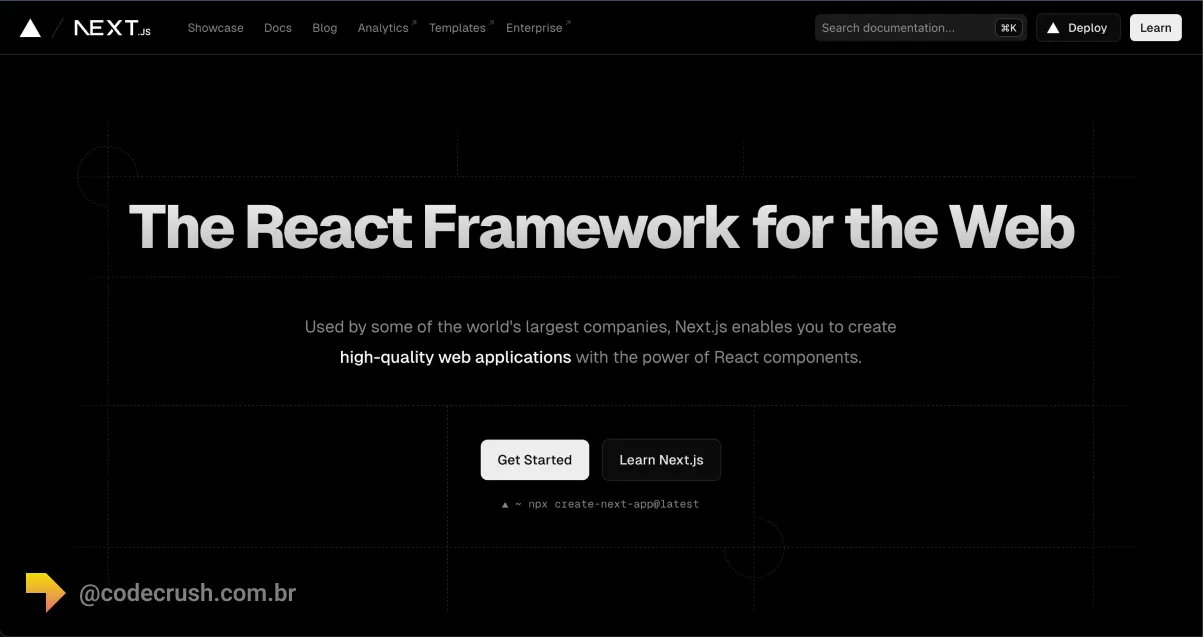
| Next.js | npx create-next-app@latest | Recommended complete framework |
Why learn the CRA commands then? Because thousands of projects in maintenance still use it, most classic tutorials reference it, and the concepts — folder structure, scripts, development server — are the same in modern tools. The reason for the deprecation is practical: CRA does not offer native solutions for routing, data fetching, and code splitting, common needs of real applications in production. Learn the flow with this guide and, when starting a new professional project, apply exactly the same concepts with Vite or Next.js.
npx, npm, or Yarn: which to use to create the project?
The three commands produce the same result; the choice depends on the package manager you already use day to day. The npx runner downloads and runs the package without global installation, while npm and Yarn are full managers — the differences between them are detailed in our guide on npm, Yarn, and pnpm package managers. The Create React App CLI (Command Line Interface) installs dependencies with npm or Yarn according to the tool used at creation.
npx
npx create-react-app my-app
npx is available from npm 5.2.
npm
npm init react-app my-app
npm init <initializer> is available from npm 6.
Yarn
yarn create react-app my-app
yarn create is available from Yarn 0.25.
Create React App templates
Templates let you start an app from a ready-made model by adding --template [template-name] to the creation command:
npx create-react-app my-app --template [template-name]
Without an explicit template, the project is created with the base JavaScript model. Template packages follow the cra-template-[template-name] format, but only [template-name] is passed in the command. The Create React App custom templates documentation describes how to build and publish your own model.
How to create a React app with TypeScript?
To start a project with TypeScript, add --template typescript to the creation command:
npx create-react-app my-app --template typescript
The TypeScript template generates files with the .tsx extension and the type configuration ready, with no manual adjustment.
React project file structure
The creation command generates a my-app directory with the project initial structure and all dependencies installed:
my-app
├── README.md
├── node_modules
├── package.json
├── .gitignore
├── public
│   ├── favicon.ico
│   ├── index.html
│   ├── logo192.png
│   ├── logo512.png
│   ├── manifest.json
│   └── robots.txt
└── src
    ├── App.css
    ├── App.js
    ├── App.test.js
    ├── index.css
    ├── index.js
    ├── logo.svg
    ├── serviceWorker.js
    └── setupTests.js
The public folder holds the static files served directly (such as index.html), and the src folder concentrates the application code — it is there that you spend most of your time, starting with the App.js component. No extra configuration or complicated folder structures: just the files needed to build the app.
Which scripts come configured?
The newly created project includes built-in commands in package.json:
npm start # or yarn start
npm start runs the app in development mode at http://localhost:3000, with automatic reload on every saved change. npm run build, mentioned in the previous steps, generates the minified production version in the build folder.
Conclusion
Creating your first React app is the easy part — a command in the terminal does it. What separates beginners from professionals is what comes after: understanding components, props, and state, and knowing how to choose the right tool for each context. In 2026, this means using this flow to learn the fundamentals, but starting new projects with Vite or Next.js, as the React team itself advises. Practice by recreating interfaces you use every day: fluency in React comes from repetition, not from reading.
Recommended for this topic
Picked by the editors — only what we would use.
Huion Official Store
Mesa Digitalizadora android, Huion, H430P, Tablets de Design Gráfico, Black
JIMMY.STORE
Tablet 10.1” com Teclado+Mouse 6GB RAM 128GB Android 13 Câmera 50MP
A Casa dos Importados
Hub Usb 2.0 c/7 Portas Pen Drive Teclado 480mbps Hd
## faq
Frequently asked questions
What is React and what is it for?
React is an open-source JavaScript library maintained by Meta for building user interfaces on the web. It is used to create interactive applications from reusable components, updating the screen efficiently with the Virtual DOM. It is used in products like Facebook, Instagram, and thousands of commercial applications.
Do I need to know JavaScript before learning React?
Yes. React is a JavaScript library, and every component combines JavaScript logic with markup via JSX. Before starting, master variables, functions, arrays, objects, and methods like map and filter, plus basic HTML and CSS. Without this foundation, simple syntax errors become hard-to-diagnose blockers.
Does Create React App still work in 2026?
Create React App still works, but was officially deprecated by the React team on February 14, 2025. It receives no new features and is not recommended for new projects. The official guidance is to use a build tool like Vite or a framework like Next.js.
Is React a framework or a library?
React is a library, not a framework. It solves only the interface layer: components, state, and rendering. Features like routing, data fetching, and production builds come from external tools or frameworks built on top of React, such as Next.js and Remix, which add those ready-made solutions.
Is it worth learning React in 2026?
Yes. The Stack Overflow Developer Survey 2025 shows React in use by 44.7% of developers, a leadership that reflects in both the Brazilian and international job markets. The core concepts — components, props, state, and JSX — remain the same regardless of the chosen build tool.
Topics in this article
## continue lendo
Artigos relacionados


Keep browsing
Previous article
npx: how to run npm packages without installing them
npx is npm's package runner: it runs CLI tools from the registry without global installation. See how it works, examples, and differences from npm.
Read moreNext article
Cowsay API: how to use the talking cow in the terminal
Cowsay is a command-line tool that displays messages in the speech bubble of an ASCII cow. Install via apt or npm and customize with the -f flag.
Read moreAbout the author
