- Published on
- · July 10, 2026
AI Tools for Design: 6 Image Generators
- Blog

- Henrico Piubello
- Henrico Piubello
- IT Specialist - Grupo Voitto
IT Specialist - Grupo Voitto
AI (Artificial Intelligence) tools for design are platforms that generate original images from text descriptions, used to create logos, illustrations, and campaign art in minutes. This CodeCrush guide compares six such tools and shows when to use each one.
- Why use artificial intelligence in design?
- What are the 6 best AI tools for design?
- Stockimg AI: ready-made images for teams
- How does Midjourney work?
- What is Leonardo AI?
- Is Bing Image Creator still worth it?
- What is DALL-E and how does it work?
- BlueWillow: free AI art generator
- Conclusion
Why use artificial intelligence in design?
Artificial intelligence in design automates repetitive tasks — such as generating layout variations and formatting visual elements — and frees the designer for creative direction. Adoption is already majority in technology: according to the Stack Overflow Developer Survey 2025, 84% of developers use or plan to use AI tools at work, a jump over the 76% recorded in 2024.
The movement is not restricted to those who write code. The McKinsey The State of AI report (2025) points out that 71% of organizations already use generative AI regularly in at least one business function — and marketing and creative design are among the most impacted areas.
In practice, AI applied to design analyzes large volumes of data and behavior patterns, offering insights into the target audience preferences. This guides decisions in creating interfaces, logos, packaging, and the key visual of a brand, based on what has already proven effective in previous projects.
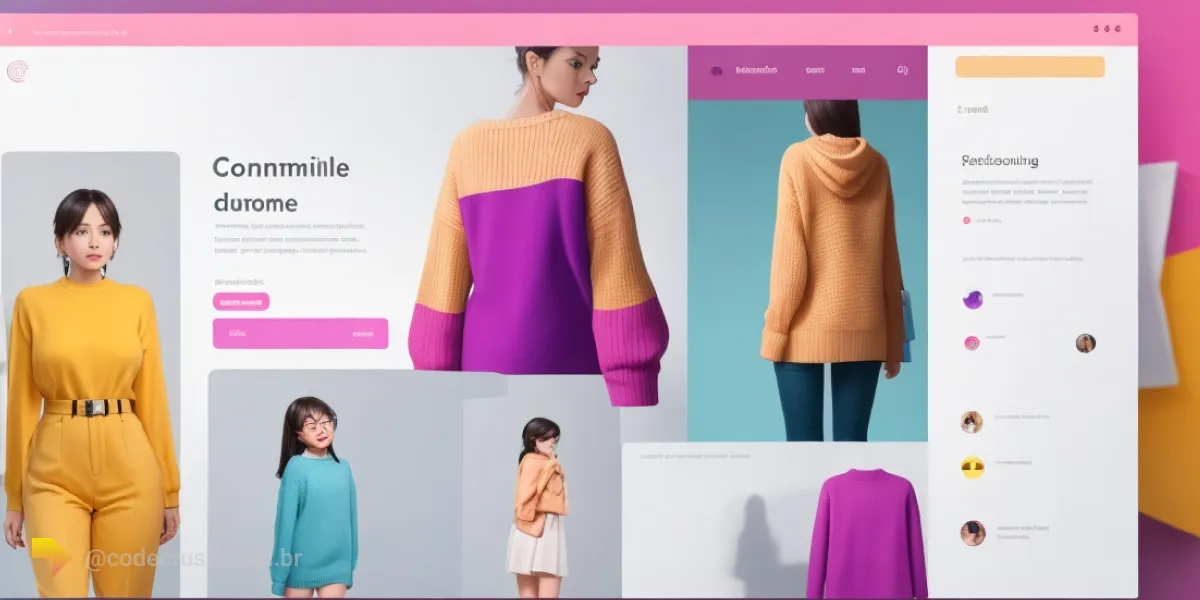
Another direct gain is the personalization of experiences. With machine learning models, an e-commerce site can adjust images, colors, and layout according to the history and interests of each customer — which increases user satisfaction and tends to improve conversion rates. If you want to better understand this technical foundation, see the difference between machine learning and artificial intelligence.
What are the 6 best AI tools for design?
The six best-known AI tools for design among creators are Stockimg AI, Midjourney, Leonardo AI, Bing Image Creator, DALL-E, and BlueWillow. All generate images from text, but differ in focus, access model, and price:
| Tool | Main highlight | Access |
|---|---|---|
| Stockimg AI | Stock images and logos for teams | Paid web app |
| Midjourney | Reference artistic quality | Web editor and Discord, paid |
| Leonardo AI | Fine style control and variations | Web app |
| Bing Image Creator | Free, with DALL-E 3 and GPT-4o | Browser, Microsoft account |
| DALL-E | OpenAI pioneer, integrated with ChatGPT | ChatGPT and OpenAI API |
| BlueWillow | Free generation for casual use | Online platform |
In short, each serves a profile:
- Stockimg AI — stock image, poster, and logo generation with collaboration features for teams.
- Midjourney — high aesthetic quality art from prompts, created by David Holz lab.
- Leonardo AI — versatile generation with multiple interpretations of the same prompt and style customization.
- Bing Image Creator — free Microsoft entry point, now with DALL-E 3, GPT-4o, and MAI-Image-1.
- DALL-E — the OpenAI model that popularized text-to-image generation, the base of several other tools.
- BlueWillow — free AI art generator for logos, posters, and casual-use illustrations.
The next sections detail each tool.
Stockimg AI: ready-made images for teams
Stockimg AI is a tool that uses artificial intelligence to generate stock images, logos, posters, and covers from text descriptions, eliminating the long searches in image banks and manual editing in complex software.
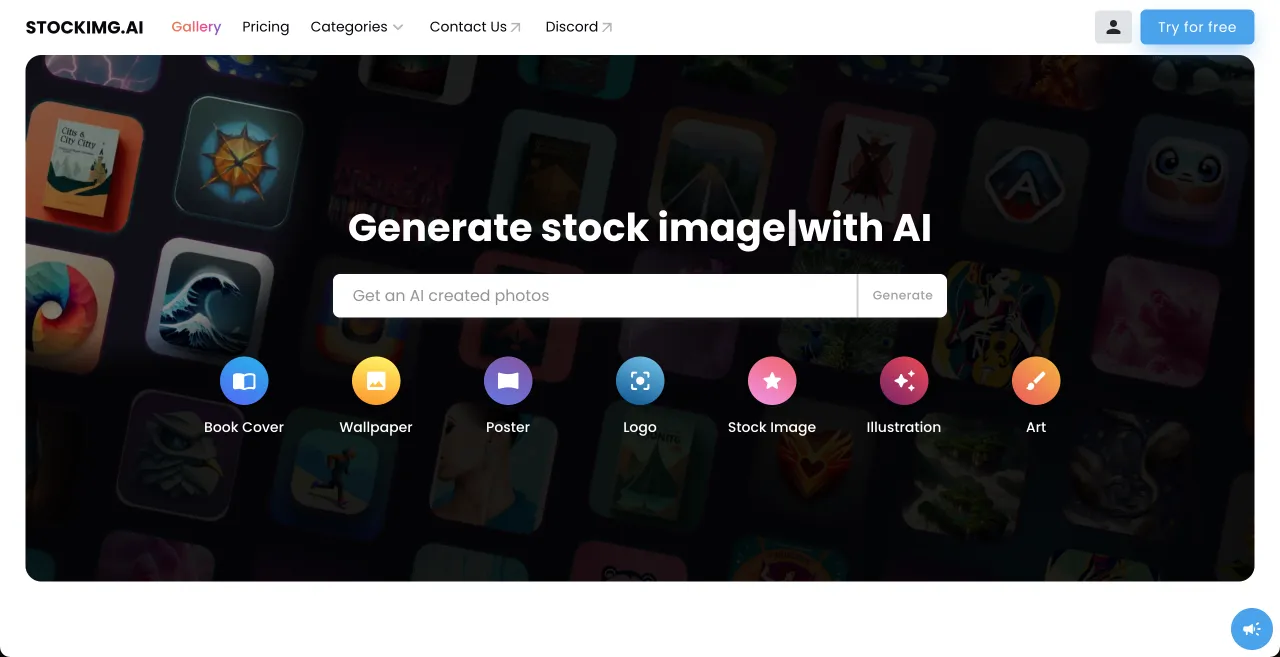
The main Stockimg AI features are:
- Simplified generation — with a few clicks, the platform delivers high-quality images ready for use in the project.
- Smart customization — the user adjusts colors, compositions, and themes, and the AI ensures results aligned with the creative guidelines.
- Continuous inspiration — the variety of generated styles helps explore new visual approaches for the same brief.
- Productivity boost — the time previously spent searching for images is now invested in the project narrative.
- Collaboration — the generated images can be shared with the team, keeping the visual identity cohesive across projects.
Stockimg AI serves designers, marketing professionals, and creators who need a consistent volume of visual material without relying on a traditional image bank.
How does Midjourney work?
Midjourney transforms text descriptions into high artistic-quality images through algorithms that learned from a vast base of examples. The lab was founded by David Holz, the same creator of Leap Motion, a pioneer company in motion sensors. Originally operated via a bot on Discord, the service now also offers its own web editor.
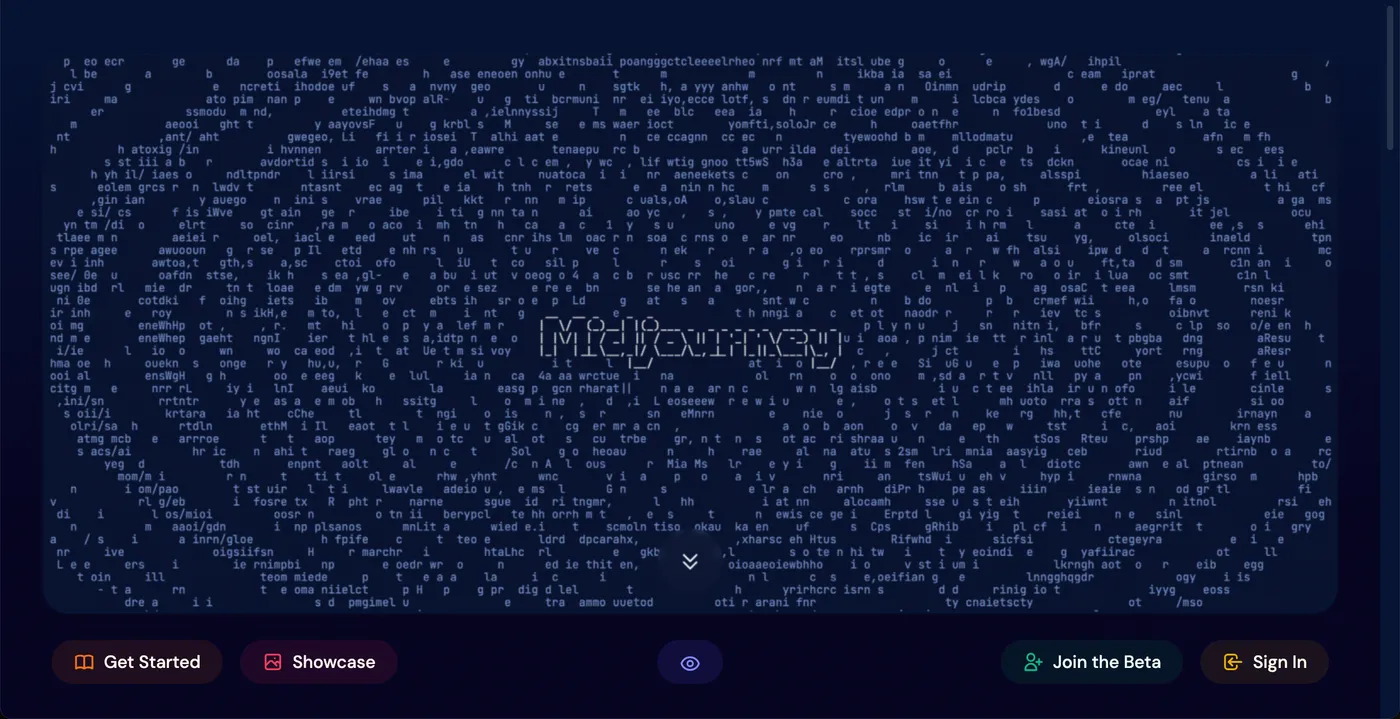
The standout Midjourney features are:
- Text-to-image transformation with a strong aesthetic identity, a quality reference among generators.
- Generation of variations of the same image, with adjustments to colors, shapes, and angles, expanding creative exploration.
- Upscaling of creations to larger resolutions, ready for download or sharing.
- Active community: you can explore other users images and learn from the published prompts.
- Access without installation, via the web editor or the Discord bot.
Midjourney stands out for those seeking an artistic result: illustrations, book covers, posters, and concept art. Experimenting with word combinations and observing the results is also a practical way to understand the potential and limits of generative AI applied to image.
What is Leonardo AI?
Leonardo AI is an artificial intelligence platform that converts text descriptions into high-quality images, with a focus on style control and generating multiple interpretations of the same prompt. Access is through a web app, with no installation required.
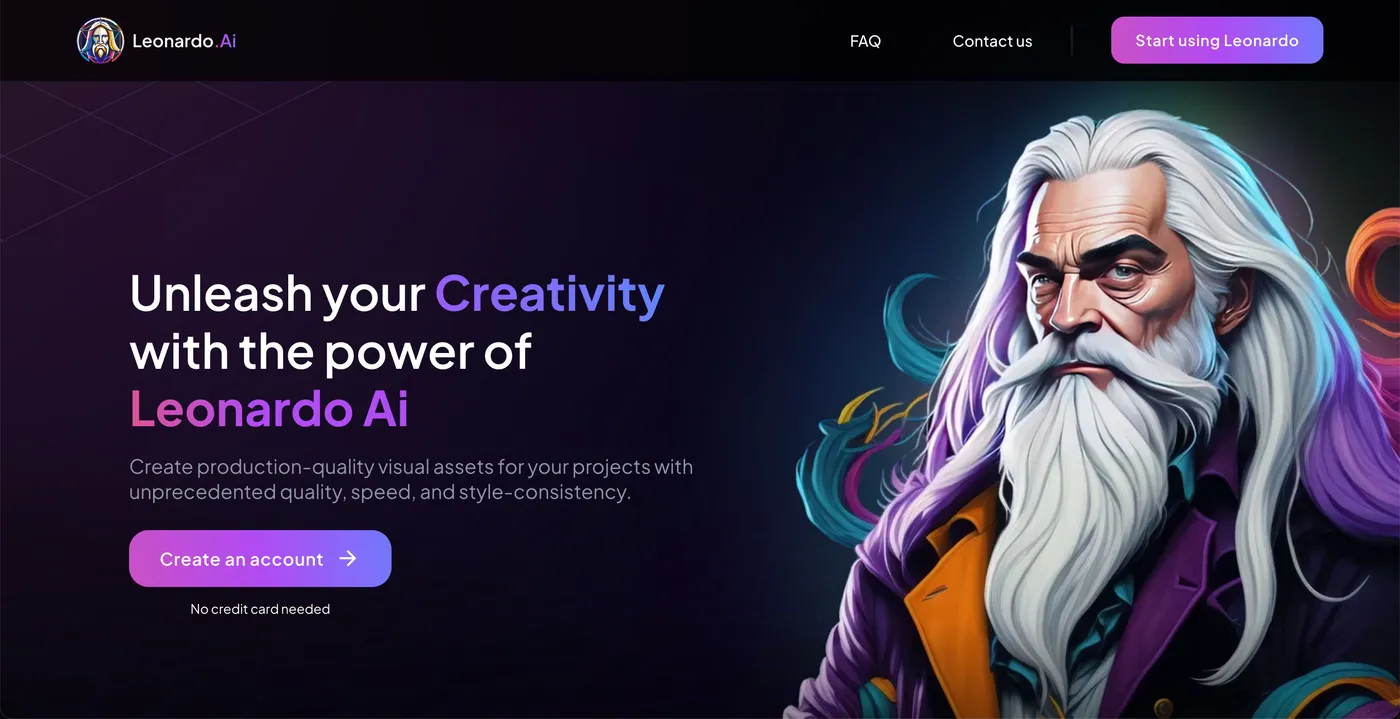
The main Leonardo AI features include:
- Accurate conversion of descriptions into images, even with complex prompts, thanks to models trained on millions of examples.
- Generation of several visual interpretations of the same description, with customization of colors, shapes, and angles.
- High-resolution export, ready for download and use in projects.
- A creator community where you can explore other users productions and reuse good prompt practices.
Leonardo AI stands out in producing original and customized images for personal or professional use — illustrations, covers, posters, and game assets. For those just starting out, it is a good entry point to understand how small changes in the prompt drastically alter the visual result.
Is Bing Image Creator still worth it?
Bing Image Creator remains the most accessible free entry point for AI image generation: all you need is a Microsoft account and the browser. According to the official Bing blog (August 2025), the tool started offering GPT-4o alongside DALL-E 3 — and Microsoft also made its own image model, MAI-Image-1, available.
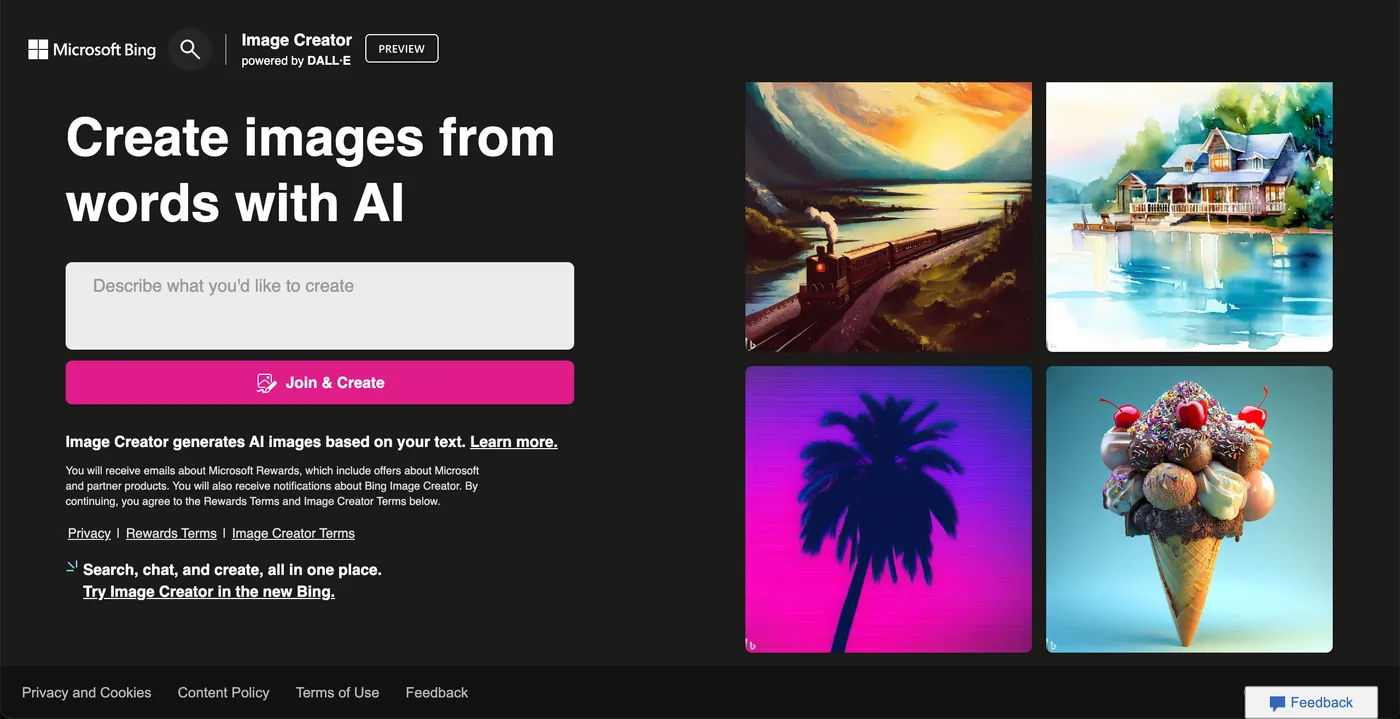
In practice, Bing Image Creator lets you:
- Create at no cost — logos, illustrations for stories, and event posters from a text description.
- Choose the model — switch between DALL-E 3, GPT-4o, and MAI-Image-1 according to the desired style.
- Integrate with the Copilot flow — generate images within a conversation, refining the result in dialogue with the Microsoft assistant.
The limitation lies in control: there are fewer fine-tuning options than in dedicated tools like Midjourney and Leonardo AI, and the output resolution is standardized. For rapid prototyping, studies, and personal projects, however, Bing Image Creator remains unbeatable in cost-benefit — the cost is zero.
What is DALL-E and how does it work?
DALL-E is the OpenAI artificial intelligence system that creates images from descriptions in natural language, and it was the model that popularized this category of tool. According to the official OpenAI announcement, "DALL·E is a 12-billion parameter version of GPT-3 trained to generate images from text descriptions using a dataset of text–image pairs" — that is, the first version was a 12-billion parameter variant of GPT-3 trained on text-image pairs. The current generation, DALL-E 3, is integrated with ChatGPT and the OpenAI API, and also powers Bing Image Creator.
In its internal workings, DALL-E uses a transformer-type neural network that processes text and image as a single data stream composed of tokens — discrete symbols that represent both textual and visual concepts. The model generates these tokens sequentially, by maximum likelihood, until composing the complete image.
Among DALL-E capabilities are:
- Generation from text — natural language descriptions become original images, realistic or artistic.
- Anthropomorphized versions — animals and objects gain human characteristics, combining seemingly incongruous concepts in a plausible way.
- Editing of existing images — the model regenerates regions of an image coherently with the context and the text description.
- Fusion of concepts and styles — distinct attributes combine into a single visual composition.
In addition to its practical usefulness, DALL-E offers the scientific community insights into how advanced AI systems interpret the visual world — one of OpenAI declared research goals.
BlueWillow: free AI art generator
BlueWillow is an online platform that generates images from text descriptions at no cost, aimed at those who want to experiment with visual creation with AI in personal projects, studies, or entertainment.
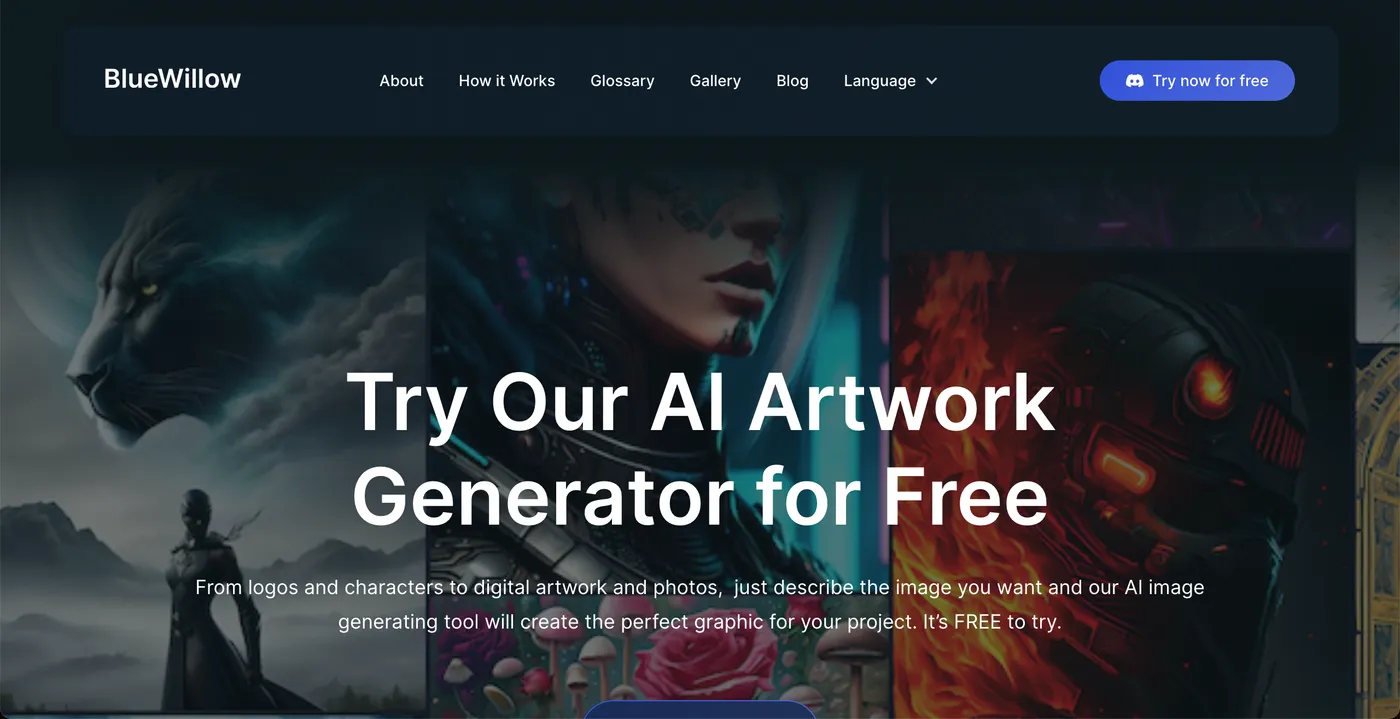
With BlueWillow, you can create logos for a brand, posters for events, illustrations for stories, or art to complement a book — all from the description of what you visualize in your mind. The platform produces the image that captures the essence of the prompt and lets you iterate until you reach the desired result.
BlueWillow positions itself as a free alternative to paid generators: the quality does not consistently reach the Midjourney level, but the zero cost makes it useful for validating ideas before investing in a paid tool. Since the image generator market changes fast — and the project went through restructuring since 2023 — it is worth checking the current usage conditions on the official site before adopting it in a professional workflow.
Conclusion
The ideal AI tool for design matters less than the habit of integrating it into the workflow: start with Bing Image Creator or BlueWillow, which are free, and move to Midjourney or Leonardo AI when artistic quality becomes a project requirement. The designer who treats these generators as assistants — not as replacements for creative direction — produces more, tests more visual hypotheses, and reaches results that would be unfeasible within a traditional brief deadline. To expand the repertoire, also explore other applications of artificial intelligence beyond design.
Recommended for this topic
Picked by the editors — only what we would use.
## faq
Frequently asked questions
What is the best AI tool for design?
It depends on the use case. Midjourney stands out for its artistic quality and now runs in its own web editor, in addition to Discord. Leonardo AI offers good style control in a web app. To try without paying, Bing Image Creator gives free access to models like DALL-E 3 and GPT-4o.
What is an AI image generator?
It is an artificial intelligence system trained on millions of text-image pairs that creates original images from descriptions in natural language, the prompts. Examples include DALL-E, Midjourney, and Leonardo AI. The user describes the desired scene and the model renders the image in seconds.
Will AI replace designers?
There is no evidence of full replacement. Current tools automate repetitive tasks, such as layout variations and supporting images, but creative direction, brand context, and the final decision remain human. The most likely scenario is the designer who masters AI gaining an advantage over the one who does not.
Can I use AI-generated images commercially?
It depends on each platform terms: some allow commercial use only on paid plans. Check the tool license before publishing and consider that copyright protection for fully AI-generated works is still legally debated in several countries, including Brazil. In commercial projects, document the creative process.
Topics in this article
## continue lendo
Artigos relacionados
Keep browsing
Previous article
5 Sites to Learn CSS by Playing: Flexbox and Grid
Flexbox Froggy, Flexbox Zombies, Grid Garden, Flexbox Defense and Grid Critters teach CSS Flexbox and Grid with interactive browser games.
Read moreNext article
LGPD: what it is, data subjects'' rights and company duties
The LGPD is the Brazilian law that regulates the use of personal data. Understand principles, legal bases, data subjects'' rights and companies'' obligations.
Read moreAbout the author
